

Vulkano Software 1.8
Control your Monsoon Vulkano player using your computer
Program info
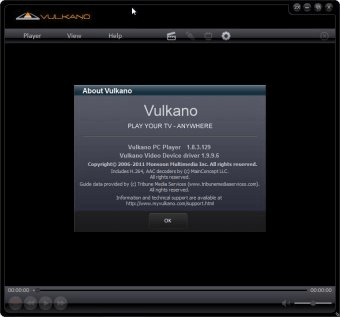
Select a local or remote Vulkano device to connect to and watch TV online, change channels and manage other features of your video source using your PC. Tweak video quality parameters, pause, rewind, and resume live video, record and save video clips to your computer.
The Vulkano PC Player is a video player application that you install on your PC or laptop. In addition to being your online TV screen, Vulkano PC Player has a number of features that enhance your viewing experience. With Vulkano PC Player, you can:
- Select a Vulkano device to connect to, either local (on the same LAN as your PC) or remote (anywhere that has an internet connection) to watch Live TV.
- Change channels and control other features of your video source from an On screen Remote control
- Adjust video quality or switch to another video source
- Pause, rewind, and resume live video, using Vulkano Time-shifting controls.
- Record and save video clips to your PC, to play back later.
Details
Extensions

No information available
The data will be available later.Old versions

No information available
The data will be available later.


Comments